
Do you use PR pre-releases to rapidly test AI-built desktop features?
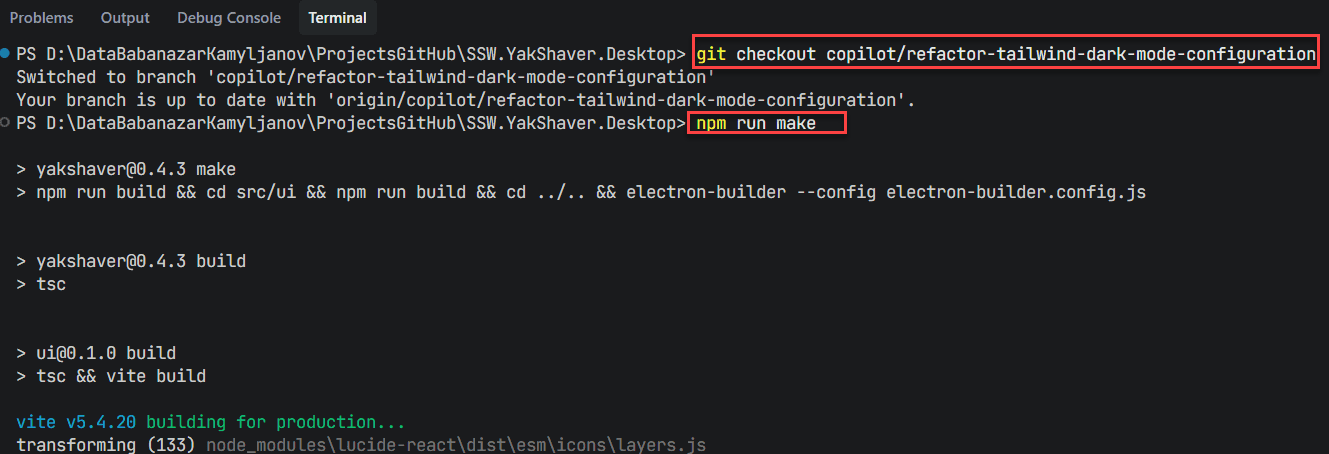
Previously, testing desktop features created with AI agents meant checking out a PR branch locally, building the app, and running it manually. Which took time, slowed feedback loops, and encouraged "vibe coding" where changes are shipped without a deep understanding of the code.
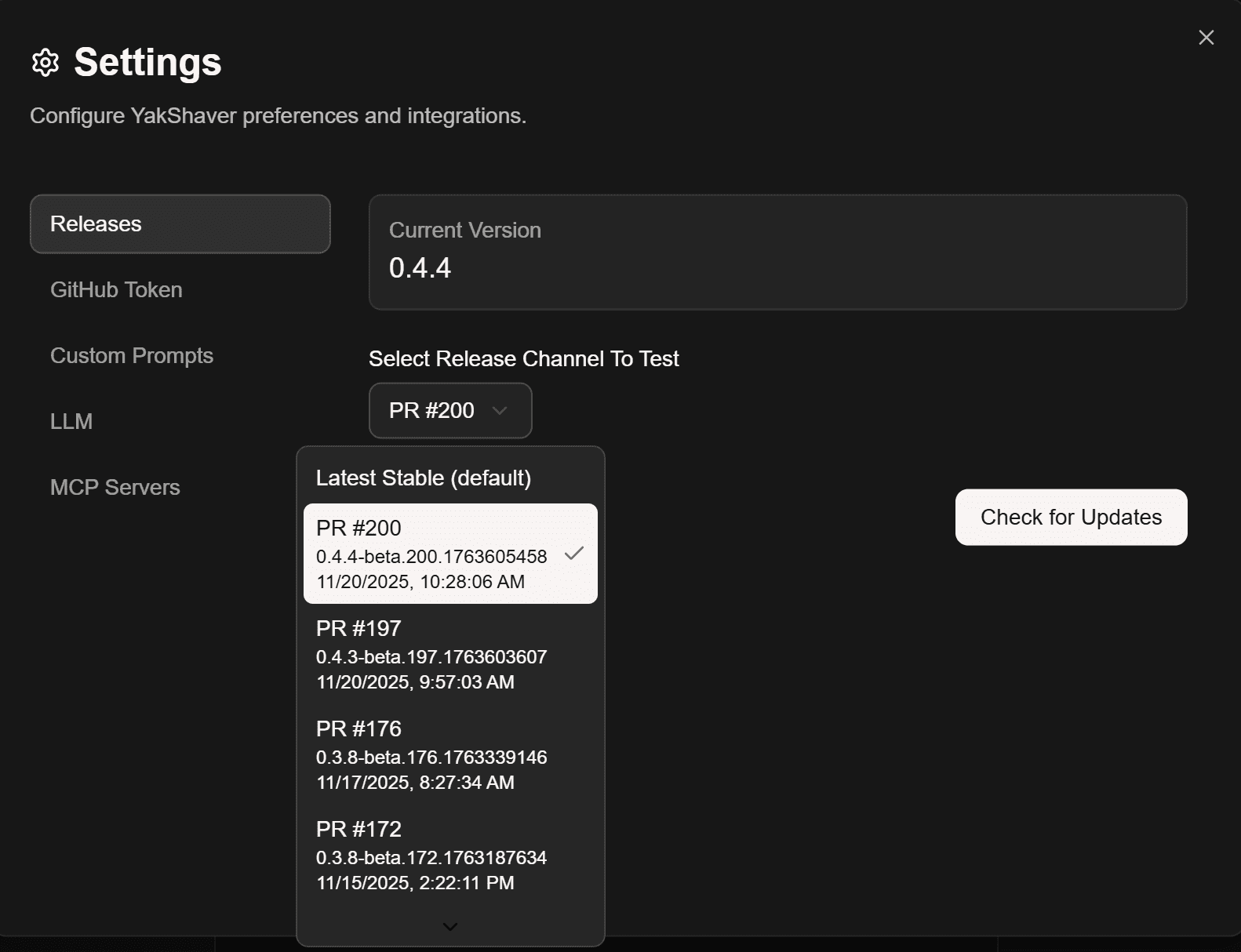
By exposing a settings option to switch to specific PR builds, they can be easily installed tested - no local branch juggling or manual builds required.
Why this matters
- Faster feedback for AI-generated changes without compromising quality
- Realistic testing inside the desktop runtime, not just mock environments
- Reduced friction for reviewers and Product Owners
- Encourages the professional Plan → Discuss → Implement → Review cadence
The new workflow
- Plan the change with context and constraints
- Ask your AI agent to implement a small, self-contained step
- Automatically build a PR pre-release via CI
- In your desktop app, switch to that PR pre-release from Settings
- Review the behavior in-app, run tests, and capture findings
- Iterate until the feature is complete, then merge
Tip: Keep PRs small. Small PR pre-releases make investigation and rollback simpler.
Tips for professional AI-assisted development
- Prefer small, focused steps that map one-to-one to PRs
- Write down assumptions and risks in the PR description
- Add lightweight checks to catch regressions early
- Use screenshots or short videos for reviewers
- Keep a changelog entry for user-visible behavior

